![Logo Arenametrix détouré blanc HD.png]](https://guide.arenametrix.com/hs-fs/hubfs/Logo%20Arenametrix%20d%C3%A9tour%C3%A9%20blanc%20HD.png?height=44&name=Logo%20Arenametrix%20d%C3%A9tour%C3%A9%20blanc%20HD.png)
1. Create an opportunity
To create a new opportunity, click on the Create an opportunity button at the top right.
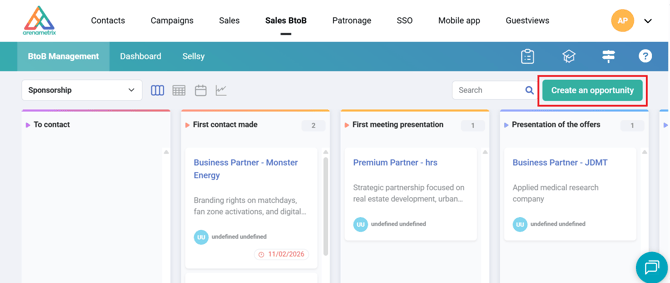
A side panel will then appear, allowing you to fill in the custom fields of the opportunity.*
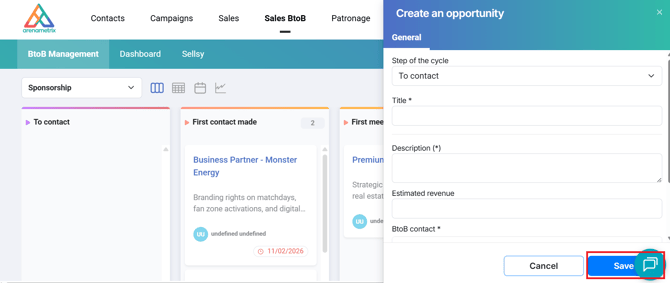
Then click Save, and the opportunity record will automatically be saved in the tracking tool at the stage you selected.
2. View and edit an opportunity
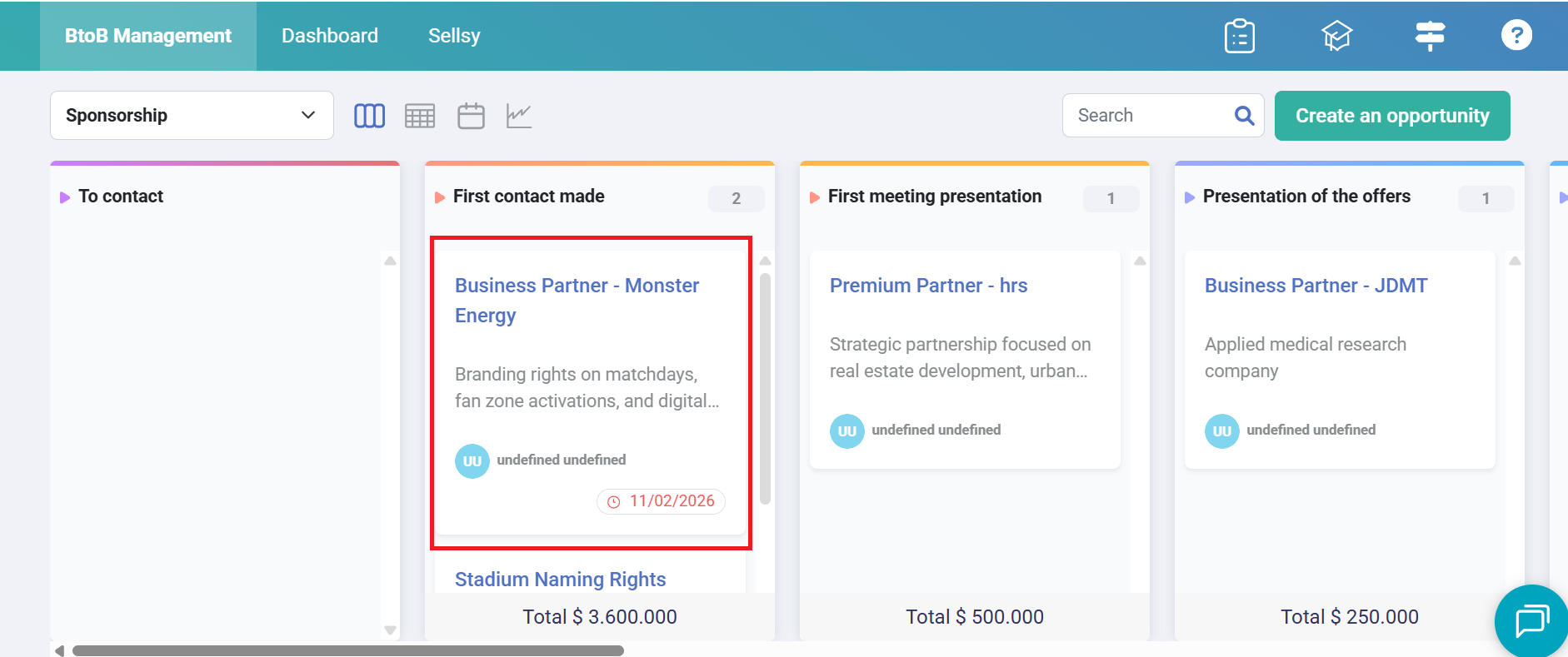
To find information about an opportunity or edit it, click on the opportunity in the tracking tool.
The side panel will then appear, and you will be able to view the record or edit it by clicking on Edit.
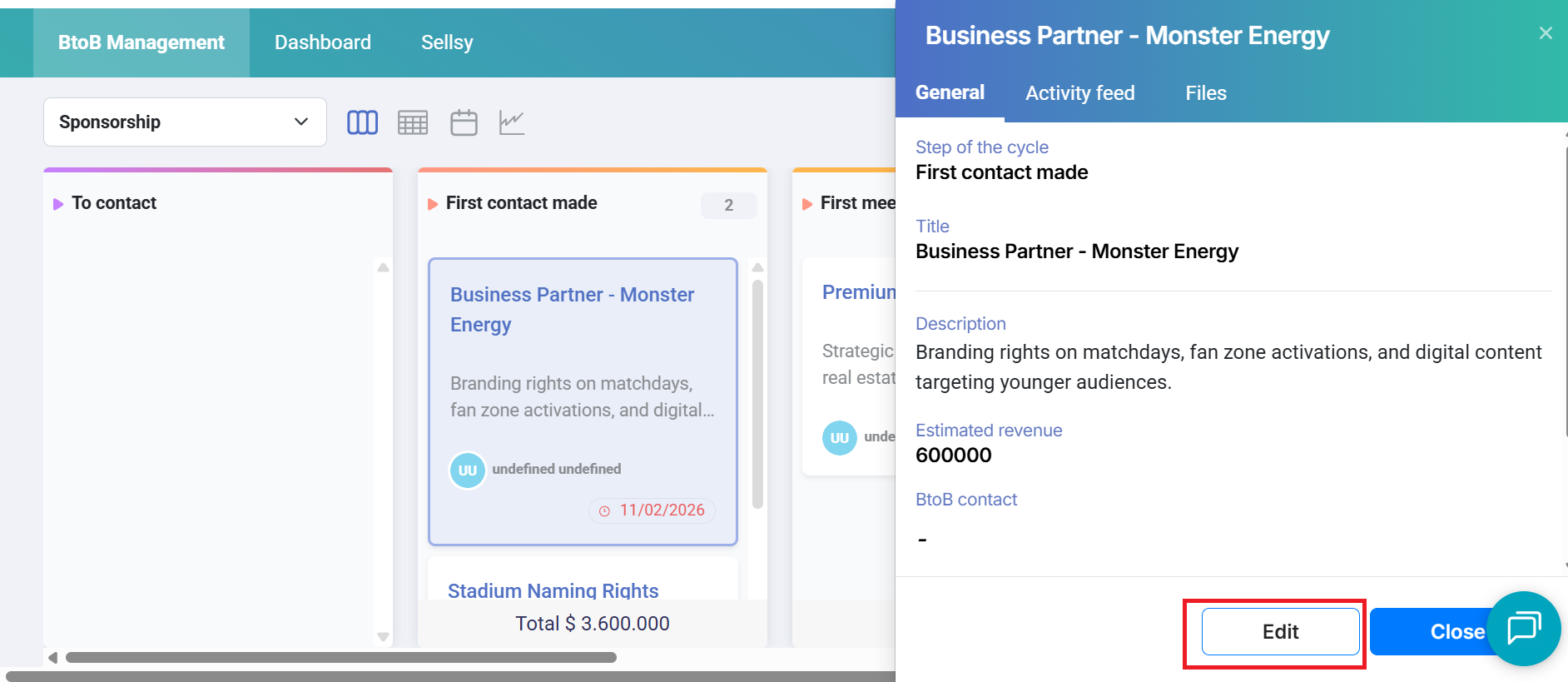
Then click Save to save your changes.