![Logo Arenametrix détouré blanc HD.png]](https://guide.arenametrix.com/hs-fs/hubfs/Logo%20Arenametrix%20d%C3%A9tour%C3%A9%20blanc%20HD.png?height=44&name=Logo%20Arenametrix%20d%C3%A9tour%C3%A9%20blanc%20HD.png)
A manual import is a list with limited use. It is a transit step: your contacts have arrived in Arenametrix, but they remain out of reach for your marketing actions. You cannot rename it, sync it with Brevo, or use it as a sending base.
By converting it into a static list, you make these contacts fully operational: segmentable, targetable, and usable in your campaigns. Here is how to complete this conversion in just a few clicks.
Steps to follow
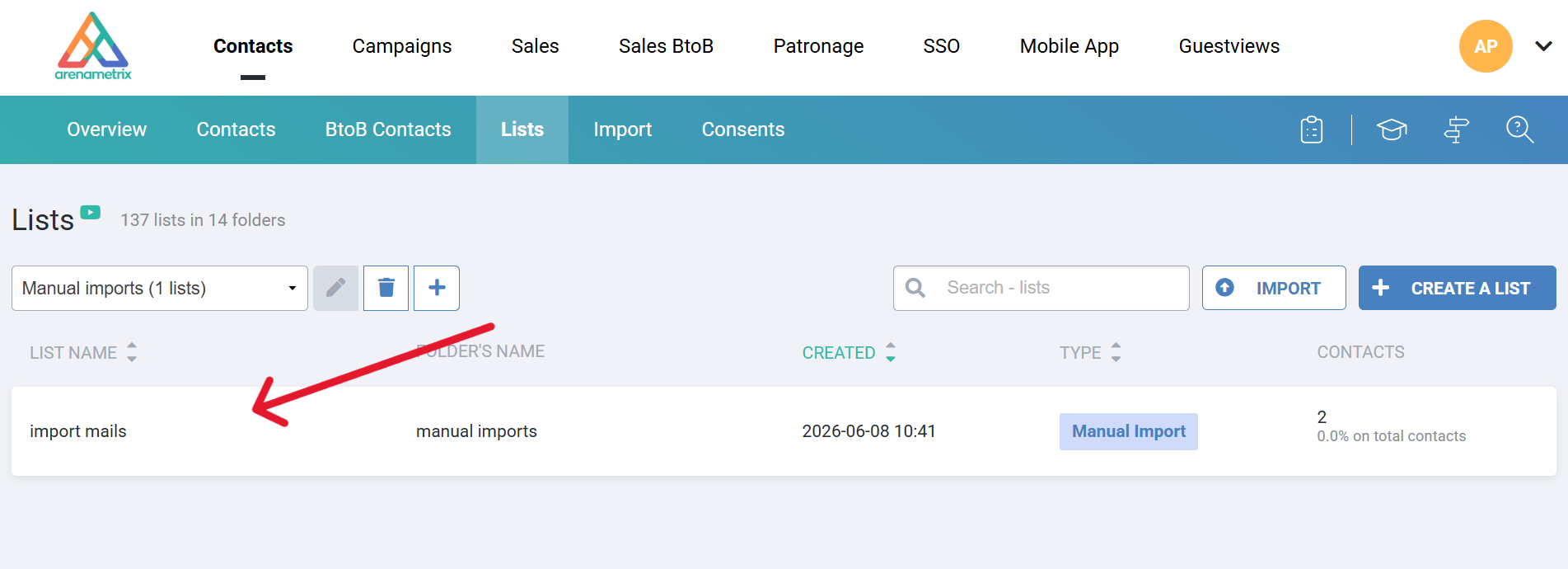
Go to Contacts, then click on the Lists tab. Select the Manual imports folder from the dropdown menu to find your import.
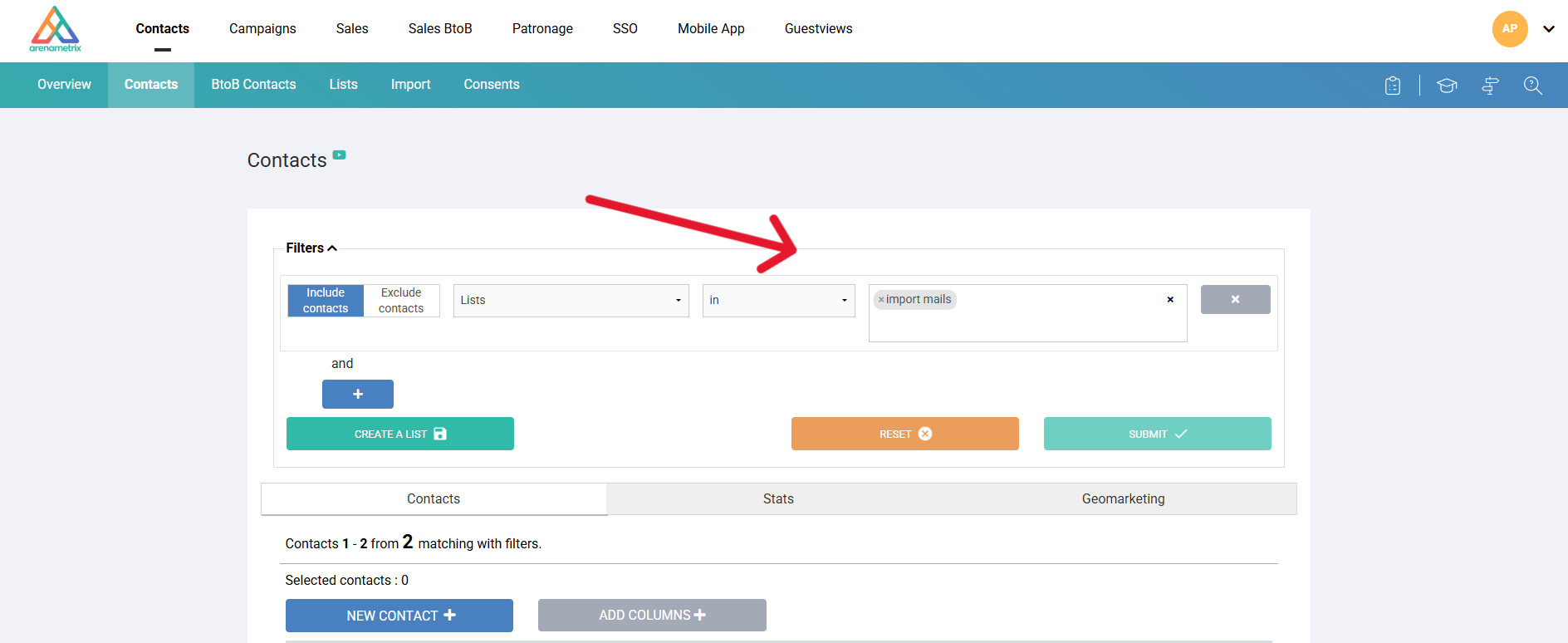
Then, go to the Contacts tab. In the Filters panel, configure a block with the Lists criterion, then select your manual import list in the value field ("import mails"). Finally, click Validate to display the matching contacts
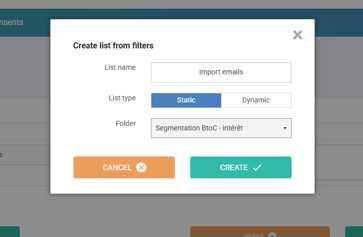
Once the contacts are displayed, click Create a list. In the window that opens, name your list, select the Static type, choose the desired folder, and click Create.
Your static list is now created and available in the selected folder, accessible from the Lists tab.
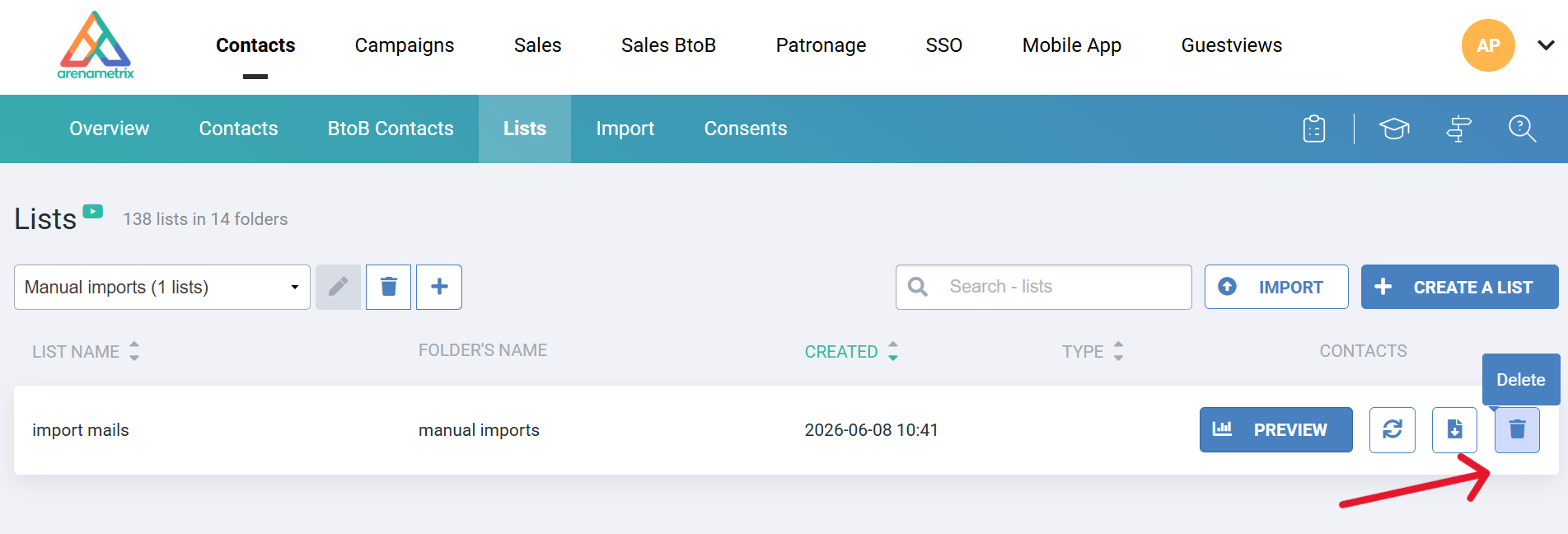
Finally, go back to the Lists tab, select the Manual imports folder, hover over the relevant import row and click the Delete icon to keep your workspace clean.