![Logo Arenametrix détouré blanc HD.png]](https://guide.arenametrix.com/hs-fs/hubfs/Logo%20Arenametrix%20d%C3%A9tour%C3%A9%20blanc%20HD.png?height=44&name=Logo%20Arenametrix%20d%C3%A9tour%C3%A9%20blanc%20HD.png)
You can also perform a bulk import that includes both contact data and the BtoB contacts they belong to. This way, contacts will automatically be linked to a structure record.
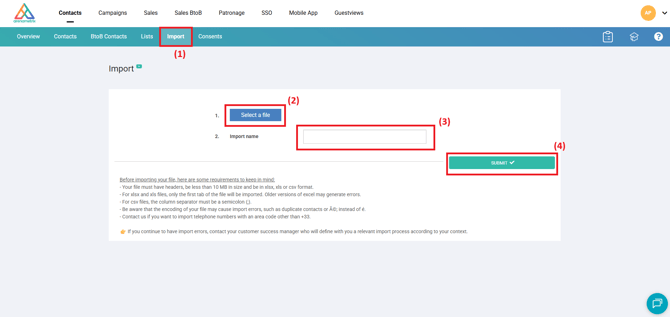
When you want to import contacts and BtoB contacts using the simplified import tool, simply go to the Import page (1).
Next, select your Excel file (2), give it a name (3), then Submit the import (4).
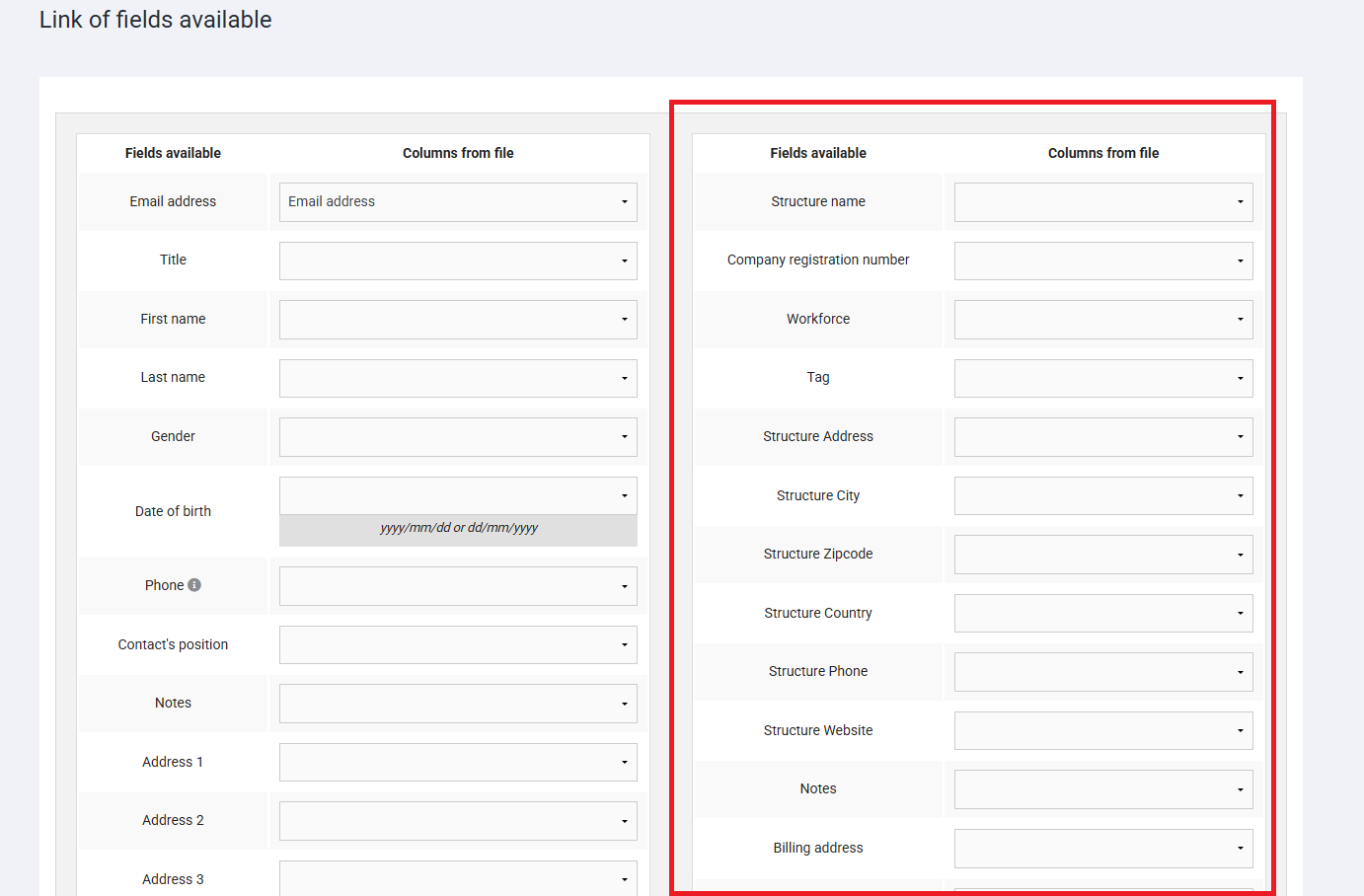
You are now redirected to the field mapping page. This page allows Arenametrix to place the correct information in the appropriate fields of the contact records and the associated BtoB contact records. You will need to match the fields from your file with those in Arenametrix, as shown in the example below. By clicking the dropdown menu, you will find the information from your file.
Please note: the email field remains mandatory to correctly identify contacts and link them to their structure.
This time, the fields related to BtoB contacts, located on the right side of the screen, must also be completed.
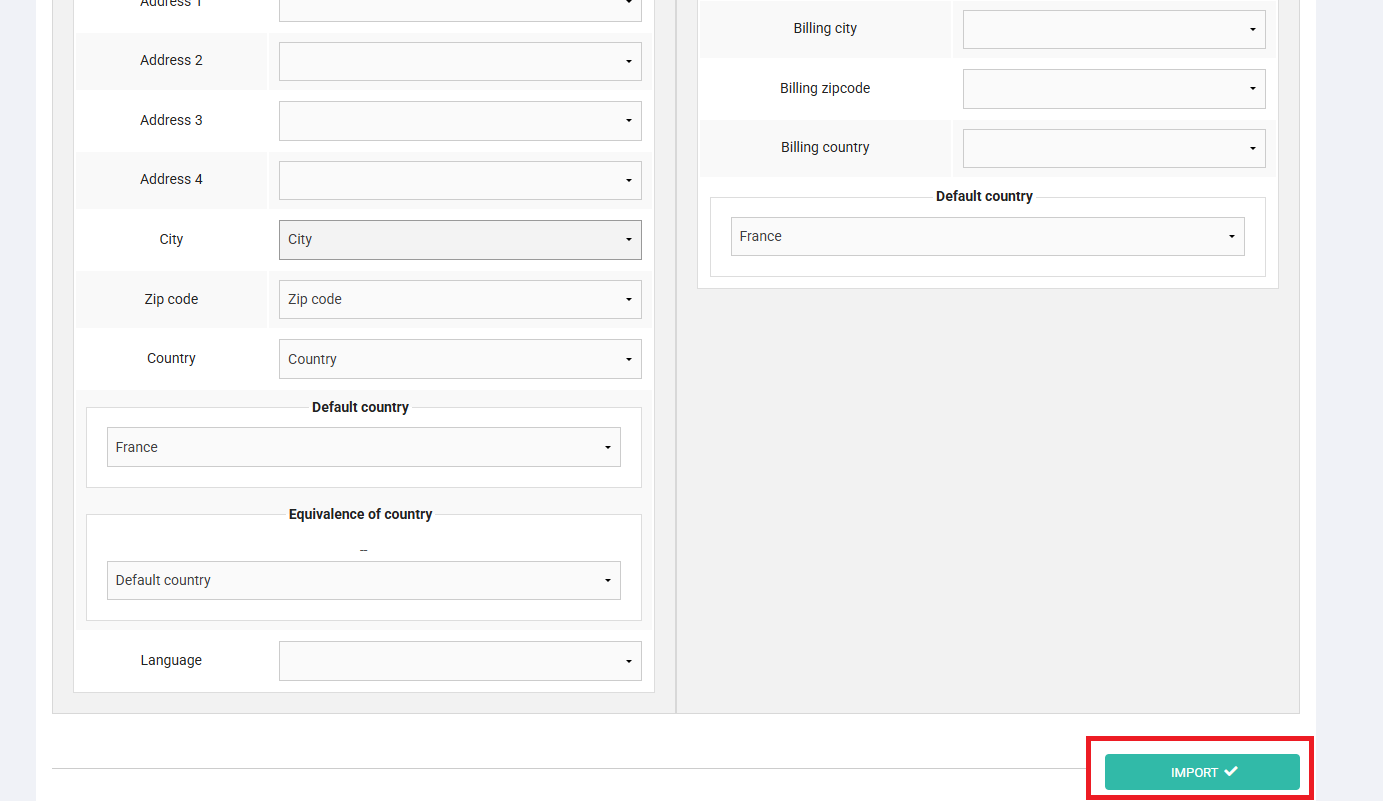
Then select the column from your file that corresponds to the appropriate field in Arenametrix, and validate by clicking Import. Your contacts and BtoB contacts are then imported.