![Logo Arenametrix détouré blanc HD.png]](https://guide.arenametrix.com/hs-fs/hubfs/Logo%20Arenametrix%20d%C3%A9tour%C3%A9%20blanc%20HD.png?height=44&name=Logo%20Arenametrix%20d%C3%A9tour%C3%A9%20blanc%20HD.png)
The Files tab of an opportunity allows you to centralise all documents related to a commercial opportunity: quotes, invoices, contracts... Everything is accessible directly from the record, without having to search through your emails or local folders.
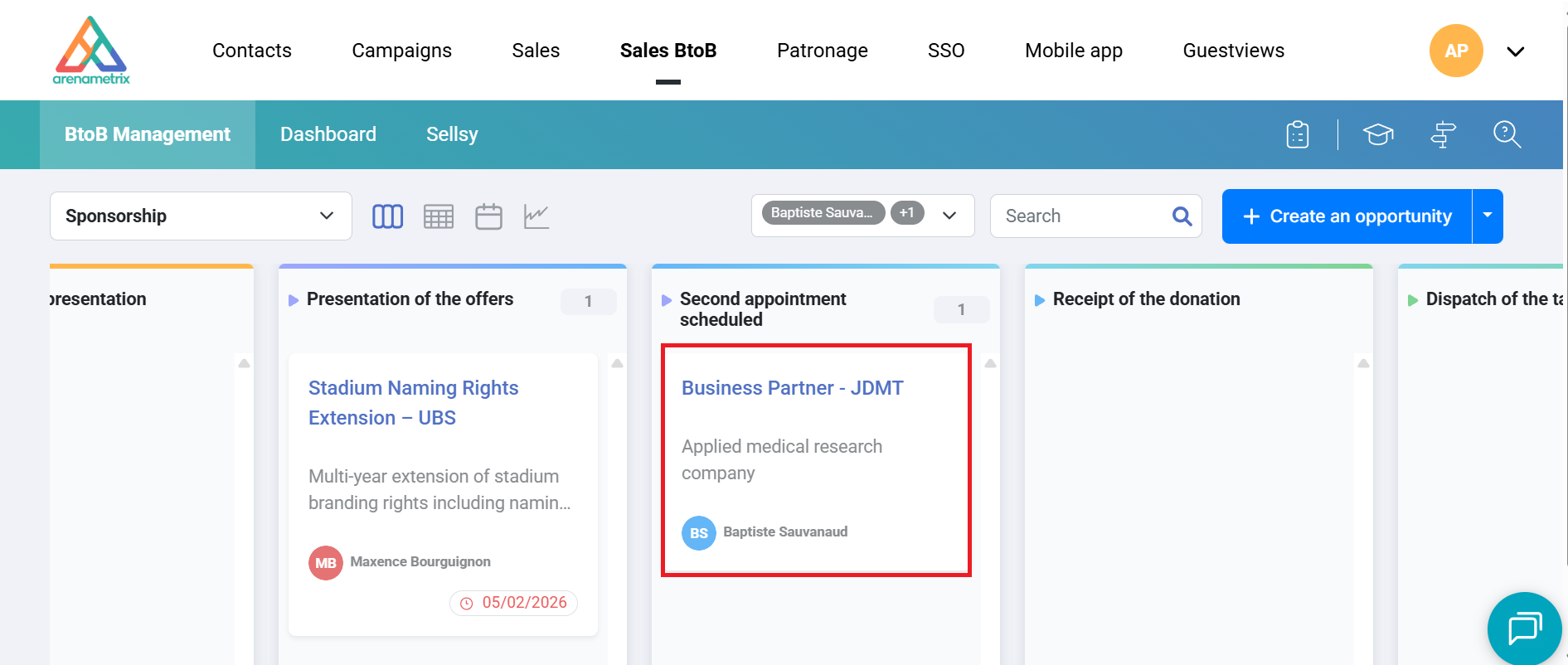
To start, click on the relevant opportunity to open its record in the side panel.
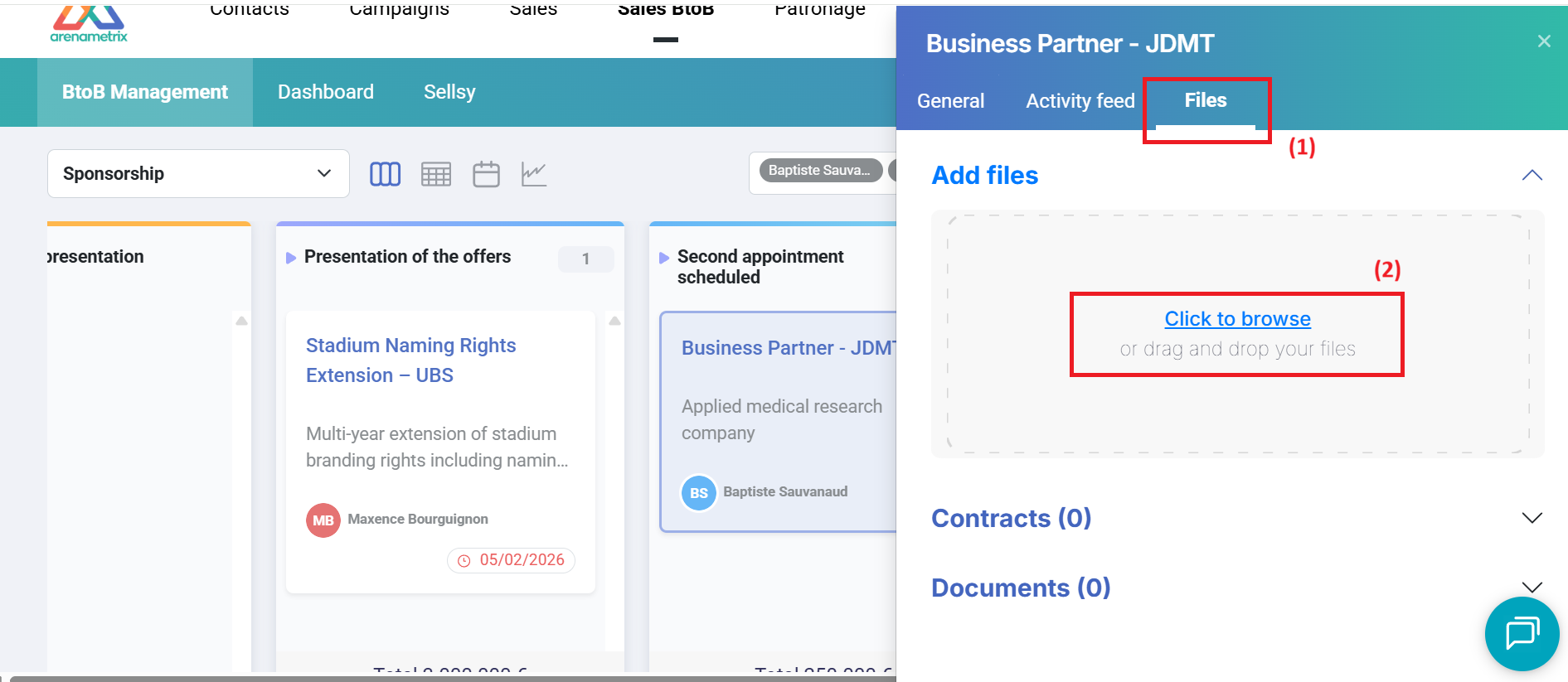
In the window that appears, click on the Files tab (1). The Add files section appears at the top of the panel. Click on Click to browse or drag and drop your file directly into the designated area (2).
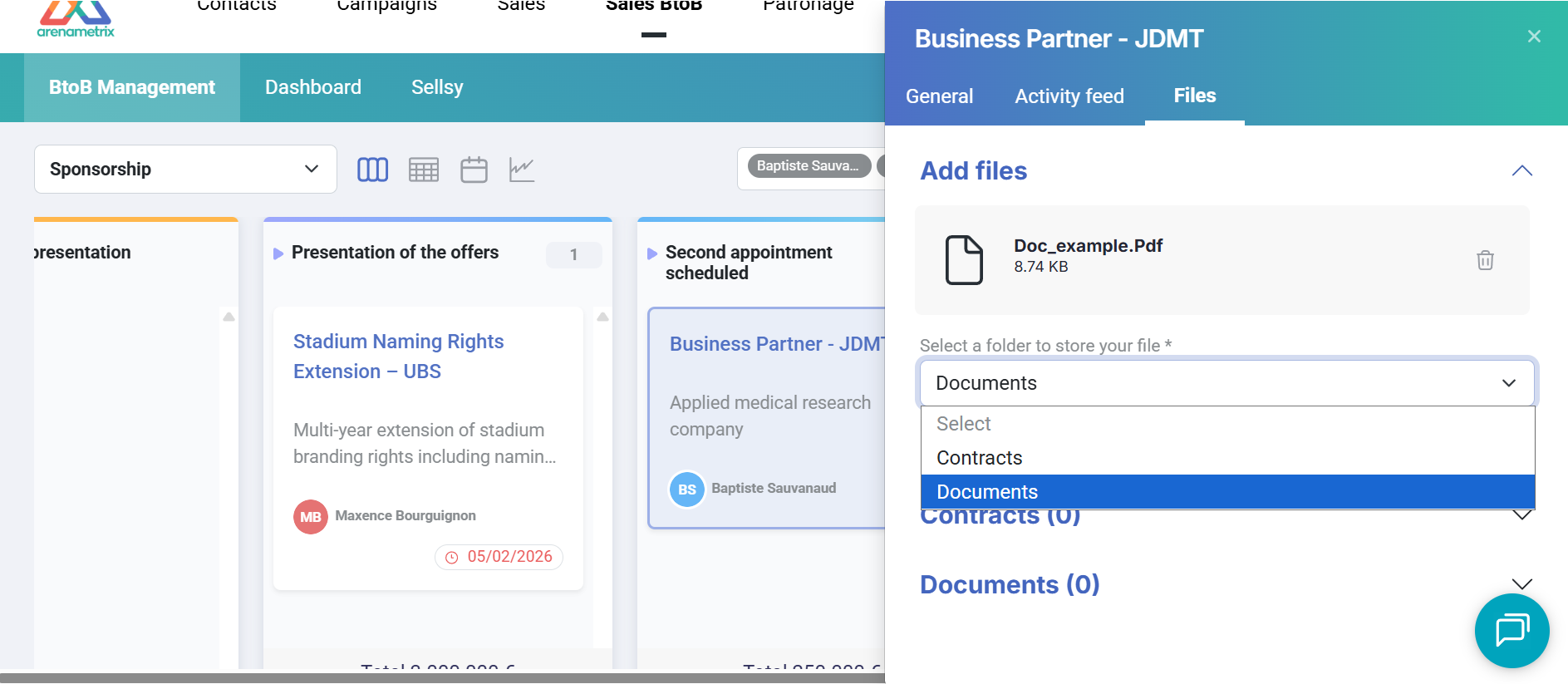
Once the file is uploaded, select the folder in which you want to store it: Contracts or Documents. Then click Import to confirm.
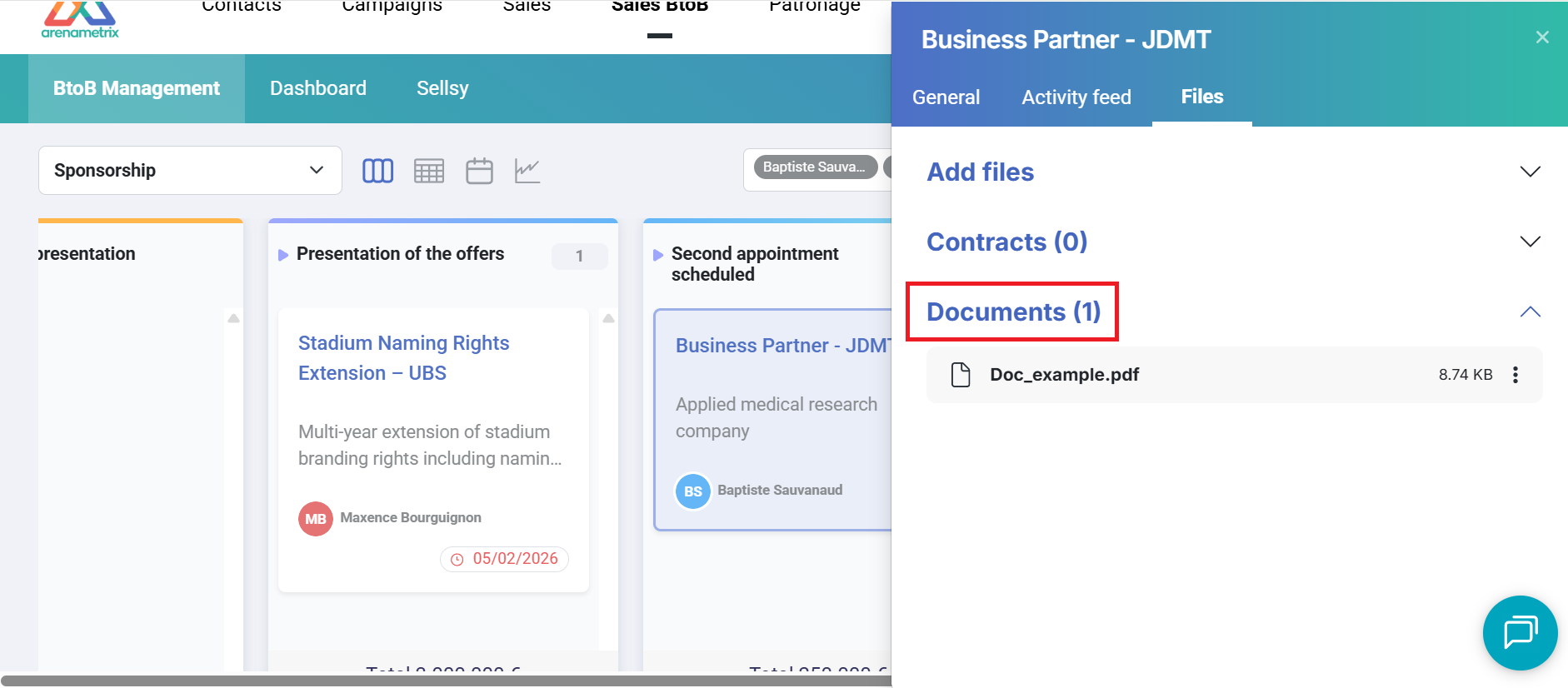
The file is now visible in the corresponding section of the Files tab and accessible at any time from the opportunity record.